About PBA Pro Bowling
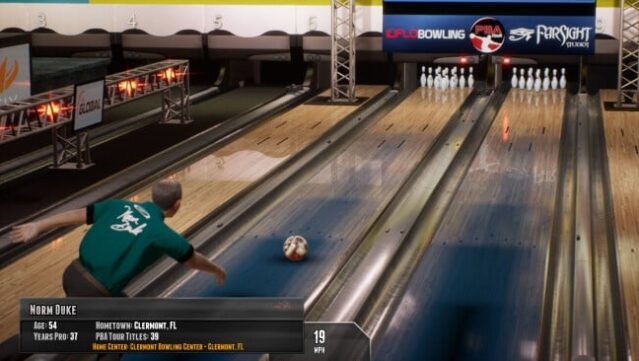
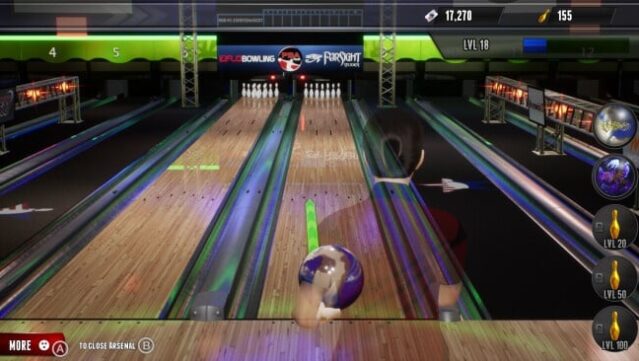
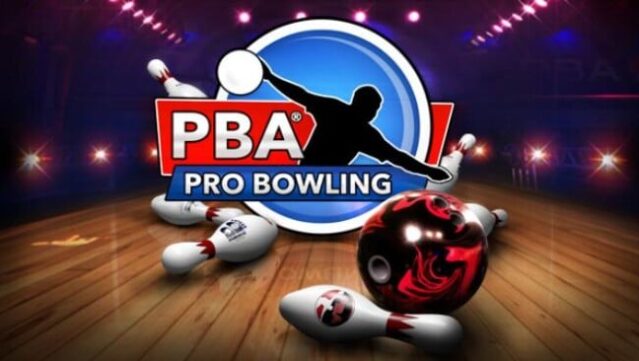
Step onto the virtual lanes for a bowling experience that captures the true essence of the sport. This title combines the thrill of competitive bowling with the authenticity of the Professional Bowlers Association, offering players a chance to immerse themselves in a realistic simulation. You can dive into a career mode filled with over 100 tournaments across a variety of venues, or opt for quickplay and local multiplayer modes for some casual fun. Compete against the likes of 19 PBA professionals, all while enjoying in-game commentary from renowned personalities like Rob Stone and Randy Pederson. This game is perfect for bowling enthusiasts and anyone looking to enjoy a solid sports simulation.
Instructions
- Click the Download button below and you will be redirected to UploadHaven.
- Wait 5 seconds and click on the blue ‘download now’ button. We recommend using a download manager for faster download speeds. (You can use FDM which is free here, or any other download manager).
- Once the game is finished downloading, right click the .zip file and click on “Extract to PBA Pro Bowling v02.13.2020.zip” (To do this you will need 7-Zip, which you can get here, or you can use the built in windows extractor).
- Double click inside the PBA Pro Bowling v02.13.2020 folder and run the setup application. Accept the EULA, and install the game. Then, launch the game through the desktop shortcut.
PBA Pro Bowling Free Download (v02.13.2020)
PBA Pro Bowling (v02.13.2020)
Size: 2.33 GB
Reminder: This download is completely free and won't cost you a penny. However, If you love the game and want to purchase it, you can support the developers by doing so here.
System Requirements
- Requires a 64-bit processor and operating system
- OS: 64-bit Windows 7, Windows 8.1, Windows 10
- Processor: Intel i5 2500K or AMD FX-8350
- Memory: 8 GB RAM
- Graphics: Nvidia GeForce GTX 660 or AMD R9 270X
- DirectX: Version 11
- Storage: 3 GB available space
Screenshots