About The Lord of the Rings: Conquest
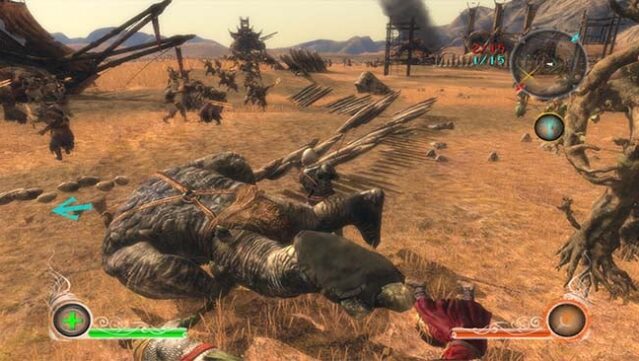
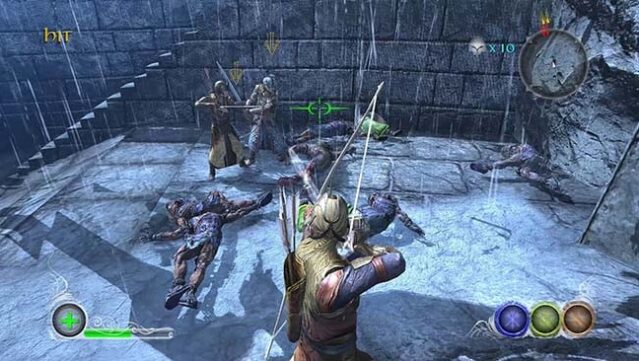
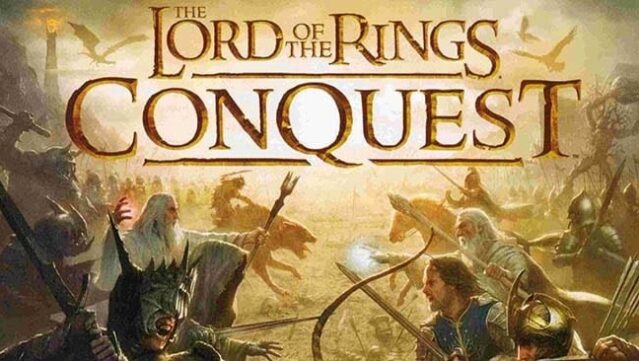
Dive into the dark side of Middle-earth with a game that offers a fresh twist on the classic fantasy saga. This action strategy title allows players to experience iconic battles from The Lord of the Rings universe, taking on the roles of both heroic figures and nefarious villains in a unique ‘Evil’ campaign. The gameplay features intense combat scenarios triggered by Frodo's failure to destroy the One Ring, challenging players to navigate the chaos of war in various multiplayer modes. Engage in epic online battles with up to 16 players or team up with a friend in co-op mode, while local multiplayer allows for competitive fun with split-screen action. This game is perfect for fans of strategic combat and those who relish the opportunity to play as the villains in a beloved franchise.
Instructions
- Click the Download button below and you will be redirected to UploadHaven.
- Wait 5 seconds and click on the blue ‘download now’ button. We recommend using a download manager for faster download speeds. (You can use FDM which is free here, or any other download manager).
- Once the game is finished downloading, right click the .zip file and click on “Extract to The Lord of the Rings: Conquest.zip” (To do this you will need 7-Zip, which you can get here, or you can use the built in windows extractor).
- Double click inside the The Lord of the Rings: Conquest folder and run the setup application. Accept the EULA, and install the game. Then, launch the game through the desktop shortcut.
The Lord of the Rings: Conquest Free Download
The Lord of the Rings: Conquest
Size: 5.87 GB
Reminder: This download is completely free and won't cost you a penny. However, If you love the game and want to purchase it, you can support the developers by doing so here.
System Requirements
- OS: Windows XP SP2 or newer
- Processor: 2.4 GHz Core Duo processor or equivalent
- Memory: 1 GB RAM
- Graphics: A 256 MB Video Card, with support for Pixel Shader 3.0 – nvidia 7800 or equivalent
- DirectX: Version 9.0c
- Storage: 6 GB available space
Screenshots