About Xenonauts 2
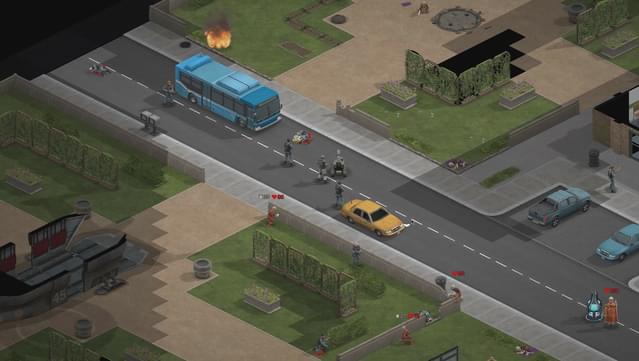
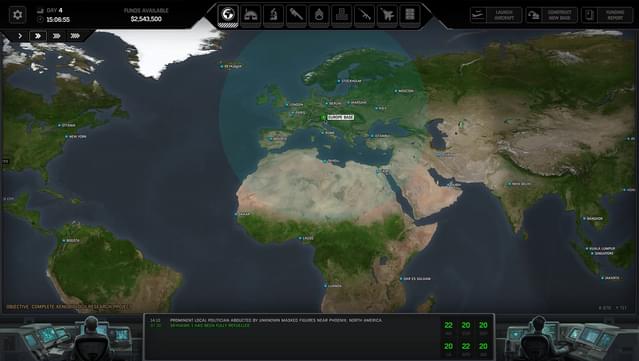
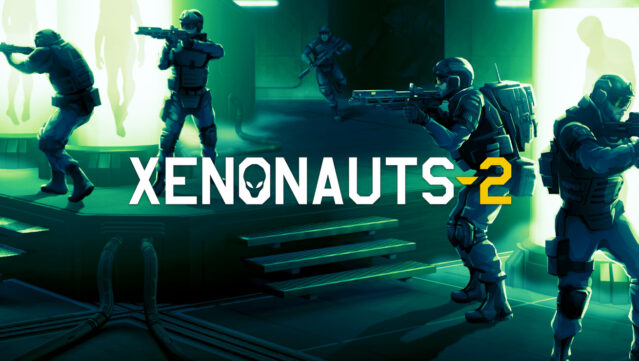
Imagine leading a covert military organization in an alternate 2009 where an alien invasion looms over a divided world. This strategy game immerses you in a high-stakes battle against extraterrestrial forces, combining base management and tactical ground engagements. As you expand your network of global bases, you research alien technologies and train your troops to confront a variety of enemies with unique combat styles.
Standout features include the intricate research system, allowing you to unlock over a hundred projects to customize your arsenal, and the dynamic combat scenarios where every decision influences your campaign. As you engage in real-time aerial dogfights and tactical ground missions, the game challenges your strategic thinking under pressure.
With its blend of resource management and intense military tactics, this game is perfect for strategy enthusiasts and fans of challenging tactical warfare.
Instructions
- Click the Download button below and you will be redirected to UploadHaven.
- Wait 5 seconds and click on the blue ‘download now’ button. We recommend using a download manager for faster download speeds. (You can use FDM which is free here, or any other download manager).
- Once the game is finished downloading, right click the .zip file and click on “Extract to Xenonauts 2 v7.27.4.zip” (To do this you will need 7-Zip, which you can get here, or you can use the built in windows extractor).
- Double click inside the Xenonauts 2 v7.27.4 folder and run the setup application. Accept the EULA, and install the game. Then, launch the game through the desktop shortcut.
Xenonauts 2 Free Download (v7.27.4)
Xenonauts 2 (v7.27.4)
Size: 5.94 GB
Reminder: This download is completely free and won't cost you a penny. However, If you love the game and want to purchase it, you can support the developers by doing so here.
System Requirements
- Windows 10
- Intel® Core™ i5-4690 (or equivalent)
- 8 GB RAM
- NVIDIA® GeForce™ GTX 770 (or equivalent)
- Version 12
- 6 GB available space
Screenshots