About Throne of Darkness
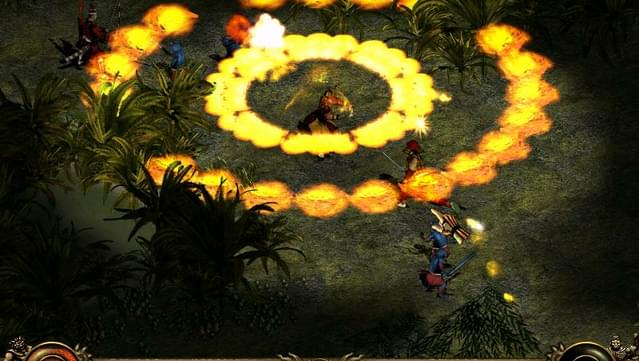
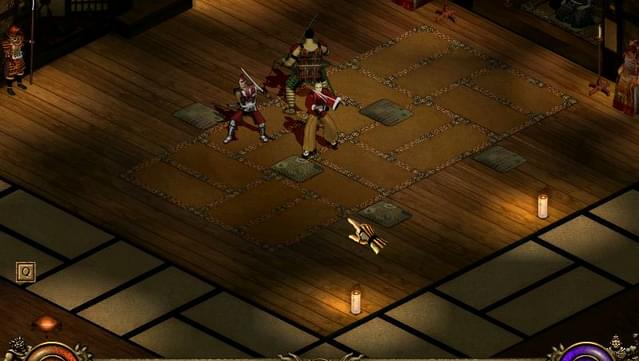
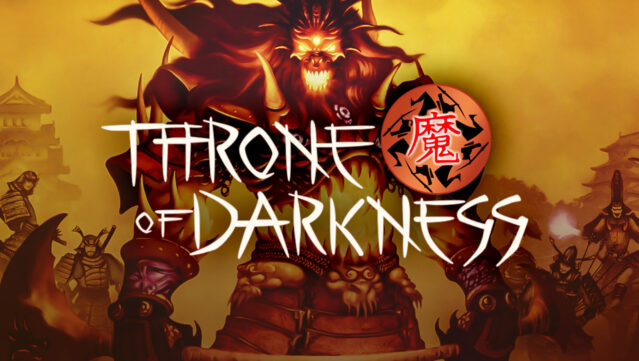
Step into an ancient world where the fate of Yamato hangs in the balance, and you control a band of seven samurai charged with stopping a nightmarish evil. This action RPG invites players to explore richly designed environments while battling hordes of monsters and undead foes unleashed by the power-hungry warlord Zanshin. The game features a unique party system, allowing you to switch between samurai, each with distinct abilities, enhancing strategic gameplay. You'll wield both magic and weaponry to confront the growing darkness, ensuring that every battle feels dynamic. With its blend of intense combat and an engaging storyline, this game is perfect for fans of classic action RPGs and those who enjoy a rich narrative steeped in Japanese folklore.
Instructions
- Click the Download button below and you will be redirected to UploadHaven.
- Wait 5 seconds and click on the blue ‘download now’ button. We recommend using a download manager for faster download speeds. (You can use FDM which is free here, or any other download manager).
- Once the game is finished downloading, right click the .zip file and click on “Extract to Throne of Darkness .zip” (To do this you will need 7-Zip, which you can get here, or you can use the built in windows extractor).
- Double click inside the Throne of Darkness folder and run the setup application. Accept the EULA, and install the game. Then, launch the game through the desktop shortcut.
Throne of Darkness Free Download
Throne of Darkness
Size: 1.08 GB
Reminder: This download is completely free and won't cost you a penny. However, If you love the game and want to purchase it, you can support the developers by doing so here.
System Requirements
- Windows 7 / 8 / 10
- 1.8 GHz
- 512 MB RAM
- 3D graphics card compatible with DirectX 7 (compatible with DirectX 9 recommended)
- 1GB available space
Screenshots