About Warcraft II Battle.net Edition
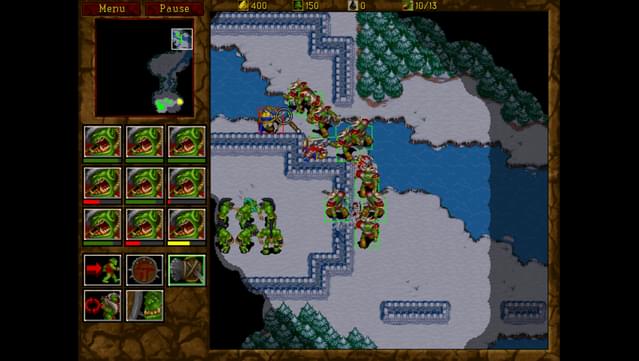
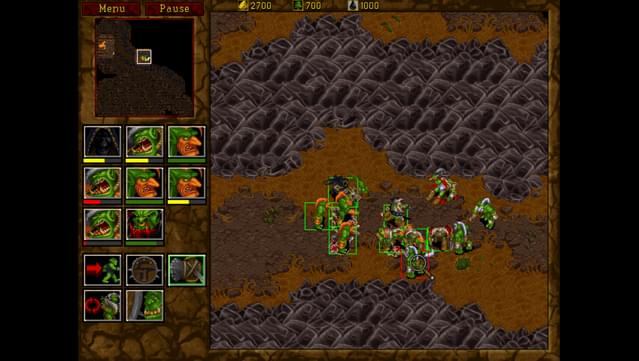
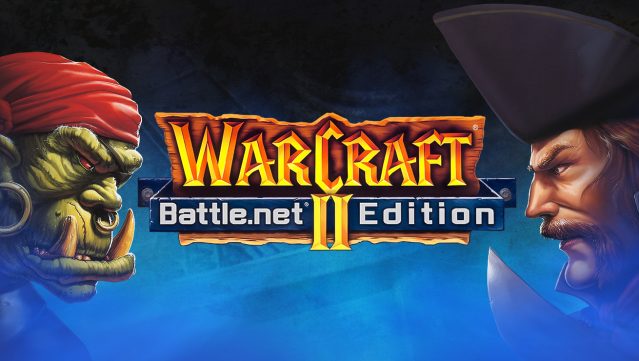
Dive back into a classic era of real-time strategy where you can engage in epic battles between Orcs and Humans. This game is a refined version of the iconic Warcraft II, offering both the original experience with retro SVGA graphics and a modernized version that supports contemporary PCs. Players can enjoy intense multiplayer matches, whether online via the nostalgic Battle.net or through LAN, accommodating up to eight participants for chaotic skirmishes. With high-resolution graphics and compatibility with Windows 10, it brings the thrill of strategic warfare to a new generation while preserving the essence of its roots. If you’re a fan of classic RTS games or enjoyed the original Warcraft, this title is definitely worth your time.
Instructions
- Click the Download button below and you will be redirected to UploadHaven.
- Wait 5 seconds and click on the blue ‘download now’ button. We recommend using a download manager for faster download speeds. (You can use FDM which is free here, or any other download manager).
- Once the game is finished downloading, right click the .zip file and click on “Extract to Warcraft II Battle.net Edition v2.02.zip” (To do this you will need 7-Zip, which you can get here, or you can use the built in windows extractor).
- Double click inside the Warcraft II Battle.net Edition v2.02 folder and run the setup application. Accept the EULA, and install the game. Then, launch the game through the desktop shortcut.
Warcraft II Battle.net Edition Free Download (v2.02)
Warcraft II Battle.net Edition (v2.02)
Size: 675.98 MB
Reminder: This download is completely free and won't cost you a penny. However, If you love the game and want to purchase it, you can support the developers by doing so here.
System Requirements
- Windows 7 / 8.1 / 10
- 1 gigahertz (GHz) or faster
- 2 GB RAM
- DirectX 9 graphics device with WDDM 1.0 or higher driver
- DirectX 9
- 1 GB available hard disk space
- Users running older versions of Windows 10 Redstone may experience a crash on launch when running the game’s executable. Patching your operating system to the newest version (Redstone 5) should correct this issue.
Screenshots