About Blue Fire
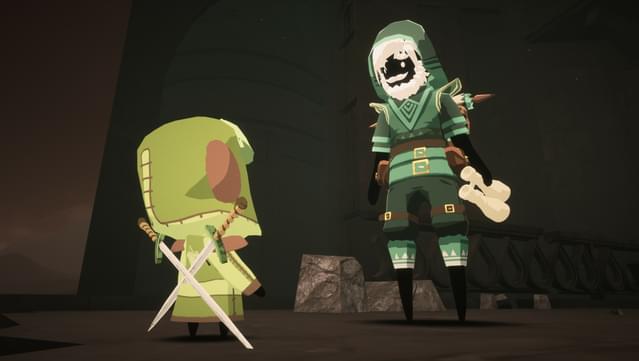
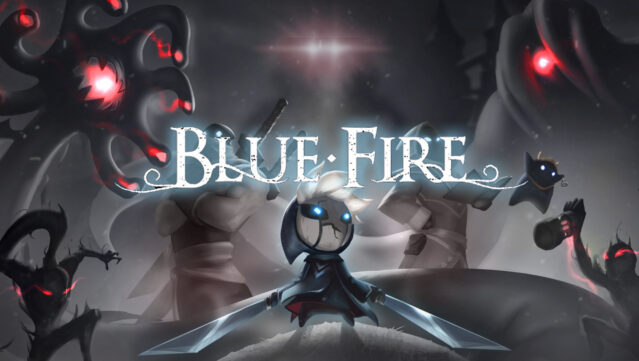
Dive into a hauntingly beautiful world filled with mystery and peril as you traverse the desolate kingdom of Penumbra. This action-adventure game blends exploration with skillful 3D platforming, challenging you to master precise movements while navigating intricate environments. As you journey through ancient temples, you face formidable foes and uncover secrets that have long been buried. Encounter survivors who offer strange quests, and gather valuable items to aid you in your quest for survival. With its atmospheric setting and engaging gameplay, this game is perfect for fans of challenging platformers and immersive adventures.
Instructions
- Click the Download button below and you will be redirected to UploadHaven.
- Wait 5 seconds and click on the blue ‘download now’ button. We recommend using a download manager for faster download speeds. (You can use FDM which is free here, or any other download manager).
- Once the game is finished downloading, right click the .zip file and click on “Extract to Blue Fire v6.3.1.zip” (To do this you will need 7-Zip, which you can get here, or you can use the built in windows extractor).
- Double click inside the Blue Fire v6.3.1 folder and run the setup application. Accept the EULA, and install the game. Then, launch the game through the desktop shortcut.
Blue Fire Free Download (v6.3.1)
Blue Fire (v6.3.1)
Size: 3.90 GB
Reminder: This download is completely free and won't cost you a penny. However, If you love the game and want to purchase it, you can support the developers by doing so here.
System Requirements
- Windows 10 64-bit
- Requires a 64-bit, Dual Core 3.0GHz processor
- 8 GB RAM
- DirectX 11 or DirectX 12 compatible graphics card
- Version 11
- 5 GB available space
Screenshots