About Blade Runner - Enhanced Edition
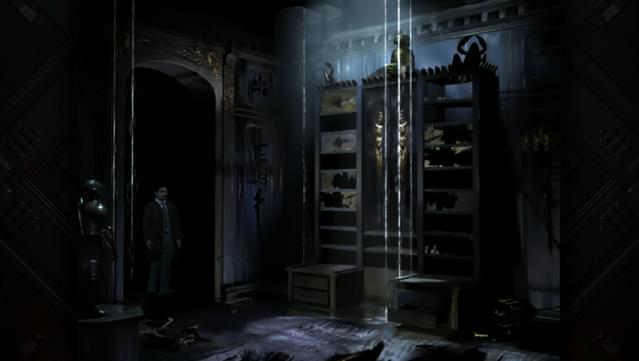
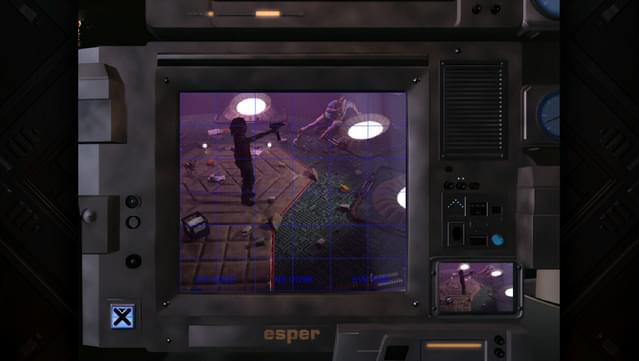
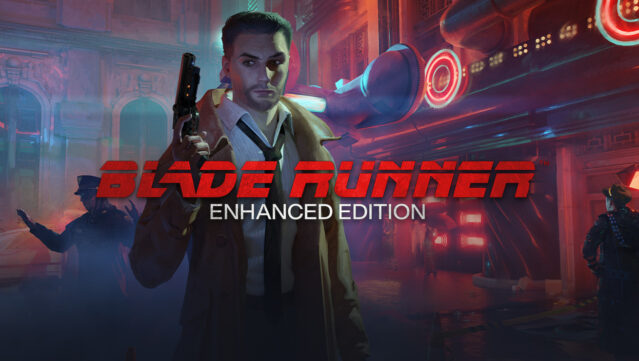
Step into a richly detailed, neon-lit Los Angeles of 2019, where you navigate the fine line between human and replicant in a captivating blend of adventure and investigation. As a Blade Runner, you wield advanced detective skills and unique gadgets to unearth mysteries in a fully realized world that reacts to your choices. The game stands out with its stunning visual effects and dynamic environment, creating an immersive experience that evolves with your actions. With a narrative that keeps you guessing and the thrill of both hunting and being hunted, this title delivers a unique twist on traditional adventure gameplay. Perfect for fans of narrative-driven experiences and anyone captivated by the Blade Runner universe.
Instructions
- Click the Download button below and you will be redirected to UploadHaven.
- Wait 5 seconds and click on the blue ‘download now’ button. We recommend using a download manager for faster download speeds. (You can use FDM which is free here, or any other download manager).
- Once the game is finished downloading, right click the .zip file and click on “Extract to Blade Runner - Enhanced Edition .zip” (To do this you will need 7-Zip, which you can get here, or you can use the built in windows extractor).
- Double click inside the Blade Runner - Enhanced Edition folder and run the setup application. Accept the EULA, and install the game. Then, launch the game through the desktop shortcut.
Blade Runner – Enhanced Edition Free Download
Blade Runner - Enhanced Edition
Size: 7.77 GB
Reminder: This download is completely free and won't cost you a penny. However, If you love the game and want to purchase it, you can support the developers by doing so here.
System Requirements
- Windows 7 (64-bit required)
- Intel or AMD Dual-Core at 2.0 GHz
- 2 GB RAM
- GPU with DirectX 11 or Vulkan 1.1 support
- 10 GB available space
- 100% DirectX compatible sound card or onboard sound
- The original Blade Runner game was developed in 1997 and the depictions of violence that are present reflect that.
Screenshots