About KunKunNest
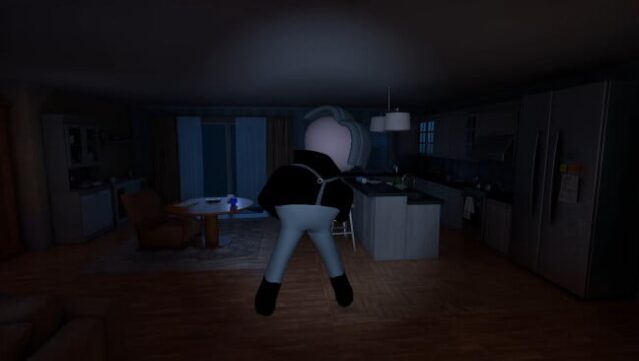
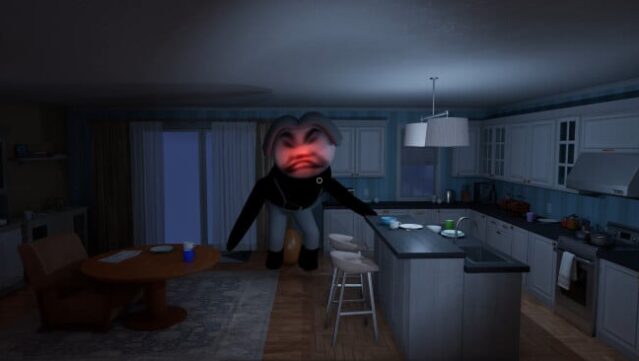
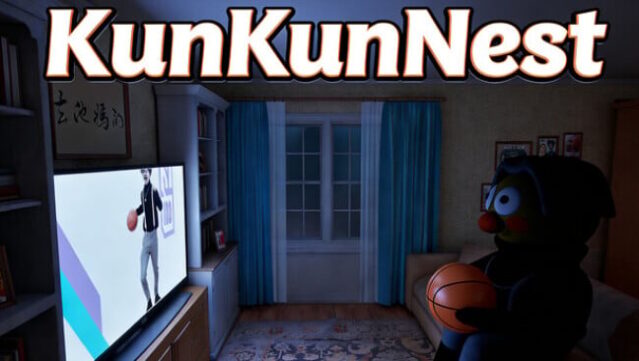
This game uniquely combines horror with quirky humor, challenging players to identify a supernatural entity known as Kun Kun within a confined space. As a horror puzzle experience, you navigate the eerie KunKunRoom, where making eight correct decisions in a row is your ticket to freedom. The atmosphere is thick with suspense, yet it’s punctuated by Kun Kun’s bizarre antics—think awkward dances and unexpected behaviors that add a strange charm to the fright.
As you delve deeper, you’ll encounter a variety of supernatural surprises that encourage exploration. From Kun Kun’s coffin-carrying to comically strange scenarios like bowling, the game cleverly mixes fear with whimsy. However, tread carefully; failure to spot Kun Kun can have dire consequences. If you're looking for a fresh horror experience that balances tension with playful elements, this game is definitely for you.
Instructions
- Click the Download button below and you will be redirected to UploadHaven.
- Wait 5 seconds and click on the blue ‘download now’ button. We recommend using a download manager for faster download speeds. (You can use FDM which is free here, or any other download manager).
- Once the game is finished downloading, right click the .zip file and click on “Extract to KunKunNest.zip” (To do this you will need 7-Zip, which you can get here, or you can use the built in windows extractor).
- Double click inside the KunKunNest folder and run the setup application. Accept the EULA, and install the game. Then, launch the game through the desktop shortcut.
KunKunNest Free Download
Reminder: This download is completely free and won't cost you a penny. However, If you love the game and want to purchase it, you can support the developers by doing so here.
System Requirements
- Requires a 64-bit processor and operating system
- OS: windows 10
- Processor: i5-9500
- Memory: 8 GB RAM
- Graphics: GTX1050ti
- DirectX: Version 11
- Storage: 2 GB available space
Screenshots