About I-Ninja
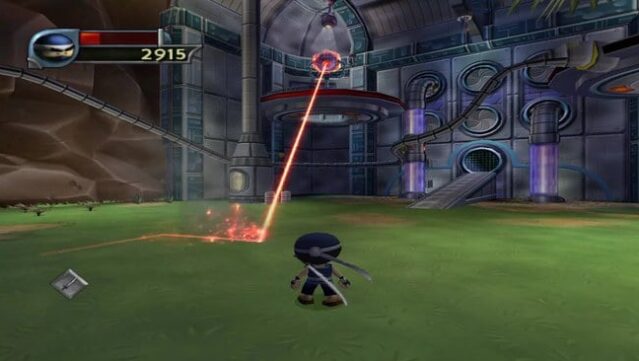
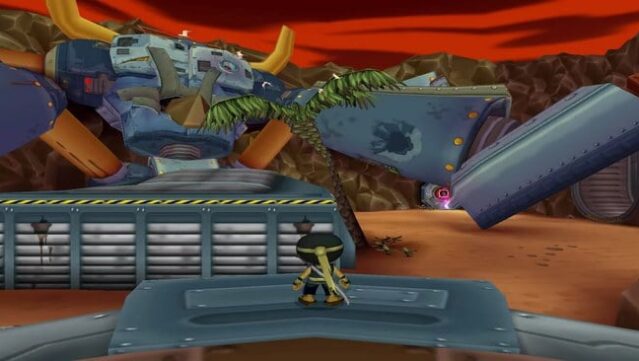
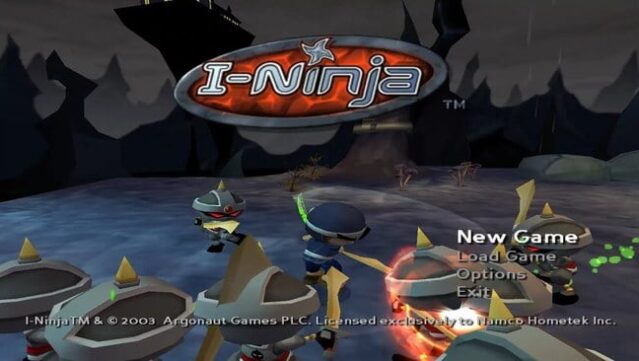
Dive into a vibrant world where acrobatics and intense combat collide in a humorous ninja adventure. This action platformer places you in the shoes of a young warrior, trained by a wise Sensei, on a quest to vanquish the nefarious Emperor O-Doru and his robotic army. You navigate colorful levels filled with creative design, showcasing your agility through precise jumps and dynamic combat moves.
The gameplay is fast-paced, allowing you to unleash an array of attacks on enemies while mastering special abilities to tackle formidable bosses. Each level introduces fresh mechanics and challenges, ensuring that the experience remains engaging and tests your reflexes. With its lively visuals and memorable characters, this title offers a nostalgic thrill for fans of classic platforming adventures. Ideal for those who enjoy retro action games or ninja-themed escapades, this one is definitely worth a playthrough!
Instructions
- Click the Download button below and you will be redirected to UploadHaven.
- Wait 5 seconds and click on the blue ‘download now’ button. We recommend using a download manager for faster download speeds. (You can use FDM which is free here, or any other download manager).
- Once the game is finished downloading, right click the .zip file and click on “Extract to I-Ninja.zip” (To do this you will need 7-Zip, which you can get here, or you can use the built in windows extractor).
- Double click inside the I-Ninja folder and run the setup application. Accept the EULA, and install the game. Then, launch the game through the desktop shortcut.
I-Ninja Free Download
Reminder: This download is completely free and won't cost you a penny. However, If you love the game and want to purchase it, you can support the developers by doing so here.
System Requirements
- OS: Windows XP / Windows Vista / Windows 7 / Windows 10 / Windows 11
- Processor: 1 GHz Processor
- Memory: 256 MB RAM
- Graphics: 32 MB DirectX-compatible video card
- DirectX®: DirectX 9.0
- Hard Drive: 1.3 GB free space
- Sound: DirectX compatible sound card
Screenshots