About Qwerty Garden
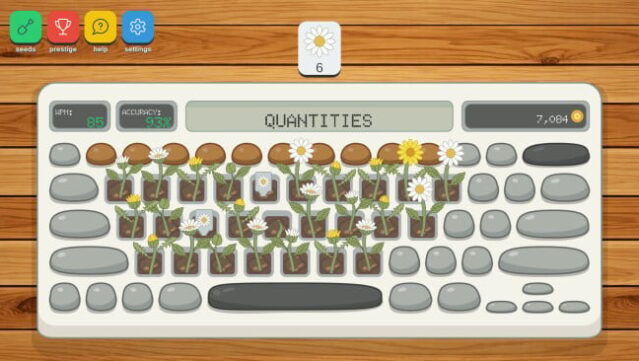
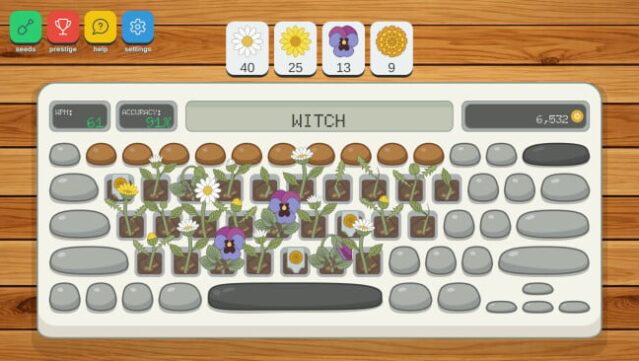
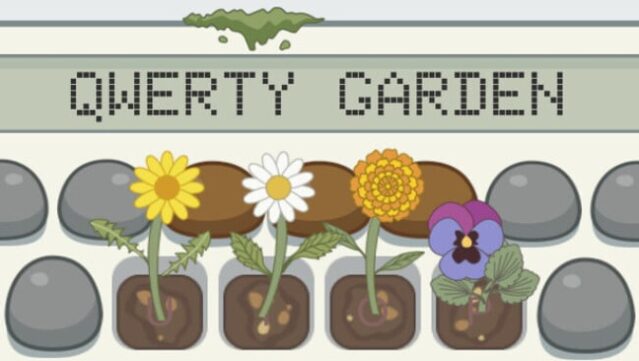
Imagine transforming your keyboard into a blooming garden where every keystroke nurtures vibrant flowers. This unique game blends typing mechanics with incremental growth, allowing players to cultivate a colorful flower bed with each letter of the alphabet representing a patch of soil. As you type, flowers blossom and are automatically harvested, producing blooms that can be sold for cash. With your earnings, you can invest in rarer seeds to unlock more exotic varieties, evolving your garden from simple sprouts into a thriving flower empire.
The gameplay loop focuses on typing to grow, selling your harvest, and upgrading your garden, while a Prestige system allows you to reset progress for enhanced bonuses, adding layers of strategy and replayability. Qwerty Garden is perfect for those who enjoy casual, relaxing gameplay while improving their typing skills or unwinding after a long day.
Instructions
- Click the Download button below and you will be redirected to UploadHaven.
- Wait 5 seconds and click on the blue ‘download now’ button. We recommend using a download manager for faster download speeds. (You can use FDM which is free here, or any other download manager).
- Once the game is finished downloading, right click the .zip file and click on “Extract to Qwerty Garden.zip” (To do this you will need 7-Zip, which you can get here, or you can use the built in windows extractor).
- Double click inside the Qwerty Garden folder and run the setup application. Accept the EULA, and install the game. Then, launch the game through the desktop shortcut.
Qwerty Garden Free Download
Reminder: This download is completely free and won't cost you a penny. However, If you love the game and want to purchase it, you can support the developers by doing so here.
System Requirements
- Requires a 64-bit processor and operating system
- OS *: Windows 7, 8, 10, 11 x64
- Processor: Intel Core i3
- Memory: 1 MB RAM
- Graphics: OpenGL 2.1 compatible graphics card, integrated graphics
- Storage: 200 MB available space
Screenshots