About Mala Petaka
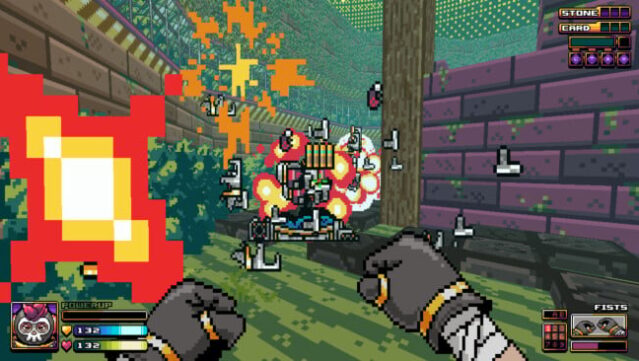
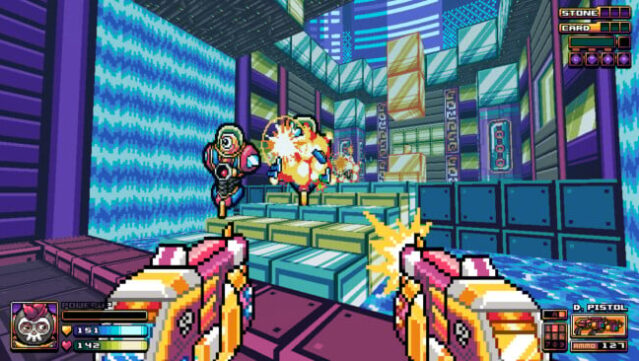
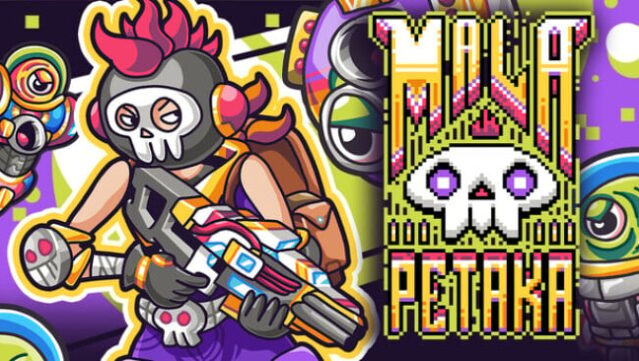
Dive into a vibrant world where a forgotten past and relentless enemies collide in this engaging 2D pixel art shooter. You take on the role of Petaka, an amnesiac hero navigating through multiple universes, armed with an arsenal that includes everything from pistols to plasma rifles, each boasting unique alternate fire options. The game features a central Hub map from which you can explore diverse levels, each populated by a variety of menacing foes, including one-eyed aliens and drones that will stop at nothing to impede your progress.
With two gameplay modes—Story Mode for narrative enthusiasts and Horde Mode for fans of endless combat—along with four difficulty settings, there's something for everyone. The colorful, retro-inspired graphics and a chiptune soundtrack composed by talented Indonesian artists create a nostalgic atmosphere. Perfect for fans of classic FPS games looking for a fresh twist, this title promises both challenge and charm.
Instructions
- Click the Download button below and you will be redirected to UploadHaven.
- Wait 5 seconds and click on the blue ‘download now’ button. We recommend using a download manager for faster download speeds. (You can use FDM which is free here, or any other download manager).
- Once the game is finished downloading, right click the .zip file and click on “Extract to Mala Petaka.zip” (To do this you will need 7-Zip, which you can get here, or you can use the built in windows extractor).
- Double click inside the Mala Petaka folder and run the setup application. Accept the EULA, and install the game. Then, launch the game through the desktop shortcut.
Mala Petaka Free Download
Reminder: This download is completely free and won't cost you a penny. However, If you love the game and want to purchase it, you can support the developers by doing so here.
System Requirements
- Requires a 64-bit processor and operating system
- OS *: Windows® 7, 64-bit
- Processor: Intel or AMD 64-bit 2.0 GHz Processor
- Memory: 4 GB RAM
- Graphics: AMD Radeon HD 5000 Series/NVidia GT 420
- Storage: 250 MB available space
Screenshots