About Golden Arrow
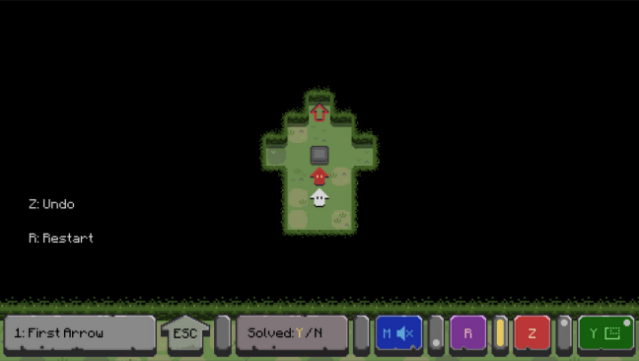
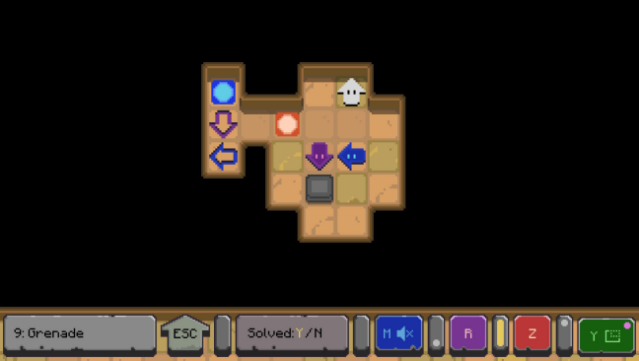
Step into a vibrant 2D world where arrows dictate the pace in this engaging puzzle game. As a lone arrow, your mission revolves around pushing colorful arrows to their designated targets, all while navigating their directional movements. The gameplay takes inspiration from classic sokoban mechanics but introduces a unique twist—these arrows keep moving until an obstacle blocks their path, adding layers of strategy to each level.
With progressively intricate challenges, the game encourages players to think critically and adapt their tactics as they unlock new skills. Each stage is a fresh puzzle that deepens your understanding of the mechanics at play. This title is perfect for puzzle enthusiasts who enjoy honing their problem-solving skills while having a fun and visually appealing experience.

Instructions
- Click the Download button below and you will be redirected to UploadHaven.
- Wait 5 seconds and click on the blue ‘download now’ button. We recommend using a download manager for faster download speeds. (You can use FDM which is free here, or any other download manager).
- Once the game is finished downloading, right click the .zip file and click on “Extract to Golden Arrow.zip” (To do this you will need 7-Zip, which you can get here, or you can use the built in windows extractor).
- Double click inside the Golden Arrow folder and run the setup application. Accept the EULA, and install the game. Then, launch the game through the desktop shortcut.
Golden Arrow Free Download
Reminder: This download is completely free and won't cost you a penny. However, If you love the game and want to purchase it, you can support the developers by doing so here.
System Requirements
- OS *: Windows 7
- Processor: x86_32 CPU with SSE2 instructions, any x86_64 CPU, ARMv8 CPU
- Memory: 2 GB RAM
- Graphics: Integrated graphics with full OpenGL 3.3 support or Direct3D 11 support (Windows)
- Storage: 160 MB available space
Screenshots