About Cell Command
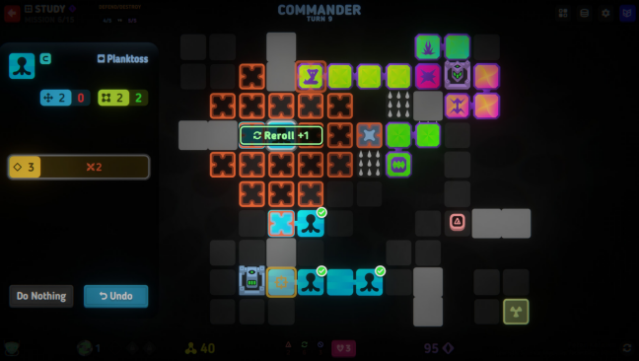
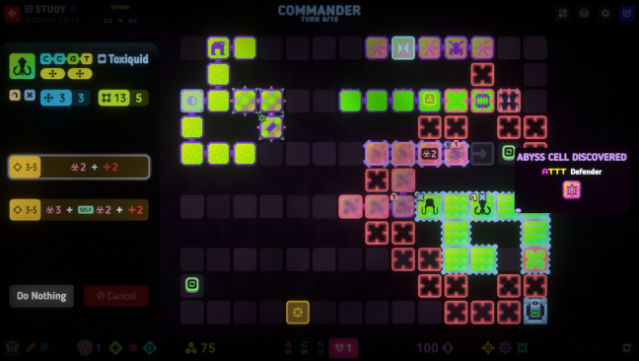
Step into the microscopic realm of strategy and survival in this unique turn-based roguelite. Players assume command of dynamic cell units as they battle to eradicate a virus threatening the planet. The gameplay revolves around movement and attack mechanics—units grow when they move but shrink upon attacking, leading to strategic positioning and clever tactics. Create bridges for ranged units or manipulate the battlefield to trap enemies with clever map alterations.
With a wealth of content, including four modes, multiple ascensions, and diverse missions, players can research upgrades and genetically enhance their cells. Encounter ever-evolving enemies that challenge your strategic prowess, all while enjoying an extensive soundtrack to keep the action lively. This game is perfect for fans of tactical challenges and roguelites who enjoy deep customization and strategic gameplay.
Instructions
- Click the Download button below and you will be redirected to UploadHaven.
- Wait 5 seconds and click on the blue ‘download now’ button. We recommend using a download manager for faster download speeds. (You can use FDM which is free here, or any other download manager).
- Once the game is finished downloading, right click the .zip file and click on “Extract to Cell Command v1.0.0.zip” (To do this you will need 7-Zip, which you can get here, or you can use the built in windows extractor).
- Double click inside the Cell Command v1.0.0 folder and run the setup application. Accept the EULA, and install the game. Then, launch the game through the desktop shortcut.
Cell Command Free Download (v1.0.0)
Cell Command (v1.0.0)
Size: 515.31 MB
Reminder: This download is completely free and won't cost you a penny. However, If you love the game and want to purchase it, you can support the developers by doing so here.
System Requirements
- OS: Windows 10
- Processor: Pentium 4
- Memory: 1 GB RAM
- Graphics: GTX 280
- Storage: 600 MB available space
- Additional Notes: Change Render Scale in SETTINGS if low FPS
Screenshots