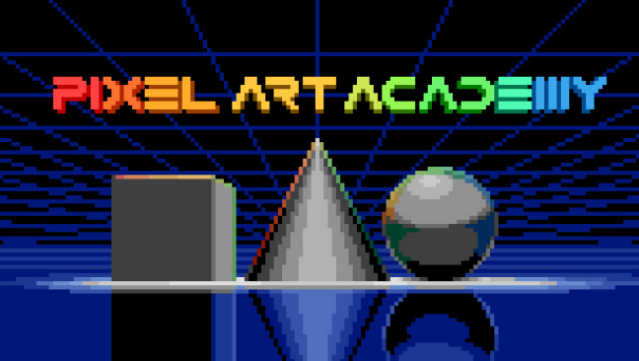
About Pixel Art Academy: Learn Mode
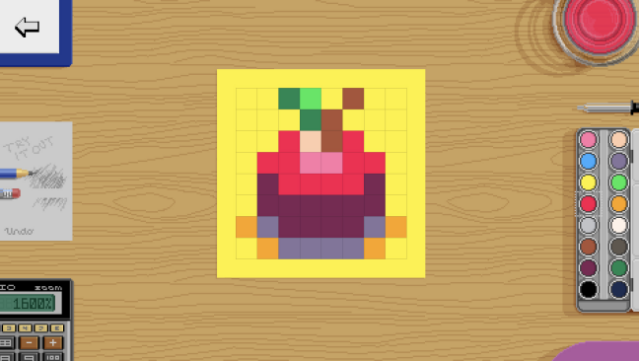
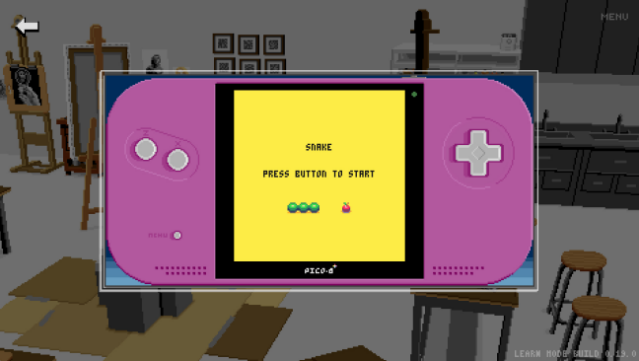
Dive into the vibrant world of pixel art where you can transform your creativity into digital masterpieces. This educational game serves as a hands-on guide to mastering the intricacies of pixel art, focusing on interactive tutorials that make learning engaging and fun. Set in a cozy atmosphere, you explore the fundamentals of art through the seven essential elements, starting with the core concept of lines.
You’ll have the opportunity to tackle drawing challenges, recreate beloved indie game sprites, or even design your own pinball machine. The game isn't just about theory; it encourages practical application, making the learning process enjoyable and rewarding. With an immersive interface and a soothing soundtrack to accompany your artistic journey, it's a perfect playground for aspiring pixel artists. If you’re passionate about art and games, this one’s definitely worth checking out!
Instructions
- Click the Download button below and you will be redirected to UploadHaven.
- Wait 5 seconds and click on the blue ‘download now’ button. We recommend using a download manager for faster download speeds. (You can use FDM which is free here, or any other download manager).
- Once the game is finished downloading, right click the .zip file and click on “Extract to Pixel Art Academy: Learn Mode v0.32.2.zip” (To do this you will need 7-Zip, which you can get here, or you can use the built in windows extractor).
- Double click inside the Pixel Art Academy: Learn Mode v0.32.2 folder and run the setup application. Accept the EULA, and install the game. Then, launch the game through the desktop shortcut.
Pixel Art Academy: Learn Mode Free Download (v0.32.2)
Pixel Art Academy: Learn Mode (v0.32.2)
Size: 1.09 GB
Reminder: This download is completely free and won't cost you a penny. However, If you love the game and want to purchase it, you can support the developers by doing so here.
System Requirements
- Requires a 64-bit processor and operating system
- OS: Windows 10
- Processor: Can it run a browser?
- Memory: 1 GB RAM
- Graphics: At least 320×240 pixels resolution
- Storage: 2 GB available space
- Sound Card: Sound Blaster-compatible … If you know, you know.
Screenshots