About Liquor Store Simulator
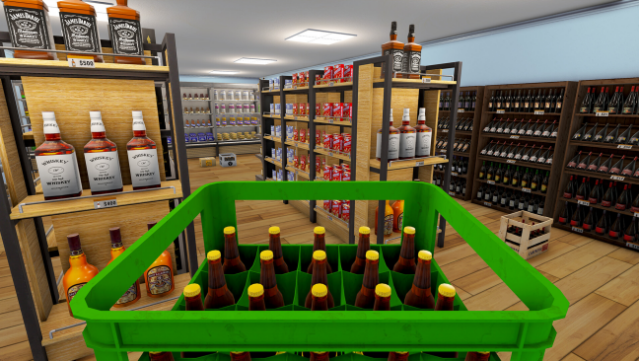
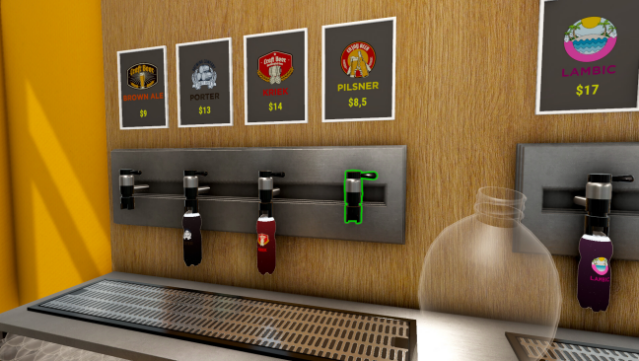
This simulation game offers a deep dive into the world of retail management, where you get to build and run your very own liquor store from the ground up. Starting from a small shop that you’ve financed, you juggle a variety of tasks—managing inventory, handling the checkout, and ensuring the store remains tidy. As you progress, you can expand your offerings, customize your store's layout, and even serve customers directly as a bartender. The game truly shines with its balance of strategic planning and hands-on gameplay, allowing you to hire staff as your business flourishes. If you enjoy management sims with a twist of creativity, this one is definitely worth checking out.
Instructions
- Click the Download button below and you will be redirected to UploadHaven.
- Wait 5 seconds and click on the blue ‘download now’ button. We recommend using a download manager for faster download speeds. (You can use FDM which is free here, or any other download manager).
- Once the game is finished downloading, right click the .zip file and click on “Extract to Liquor Store Simulator v1.2.2f1.zip” (To do this you will need 7-Zip, which you can get here, or you can use the built in windows extractor).
- Double click inside the Liquor Store Simulator v1.2.2f1 folder and run the setup application. Accept the EULA, and install the game. Then, launch the game through the desktop shortcut.
Liquor Store Simulator Free Download (v1.2.2f1)
Liquor Store Simulator (v1.2.2f1)
Size: 1.85 GB
Reminder: This download is completely free and won't cost you a penny. However, If you love the game and want to purchase it, you can support the developers by doing so here.
System Requirements
- OS: Windows 10 64bit or newer
- Processor: Intel Core i5 4690 / AMD Ryzen 3 1200X
- Memory: 16 GB RAM
- Graphics: NVIDIA GTX 1050 Ti 4GB or equivalent
- DirectX: Version 11
- Storage: 5 GB available space
Screenshots