About ZDSimulator
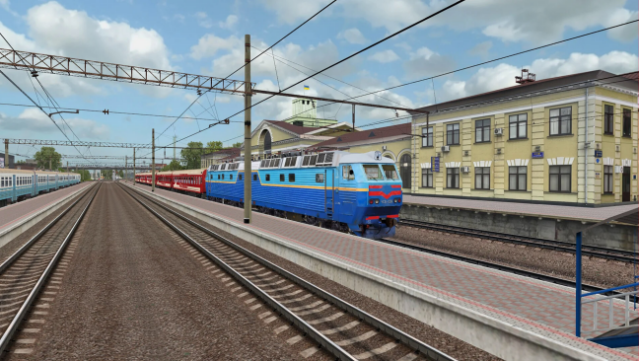
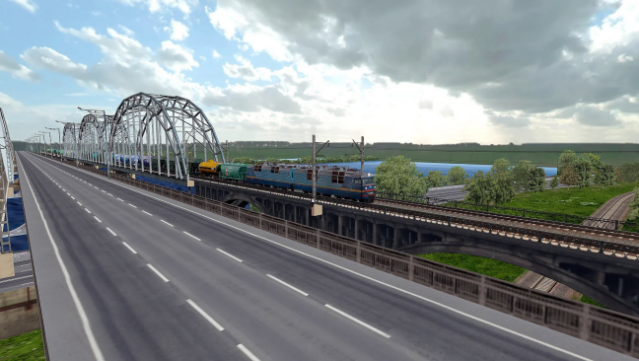
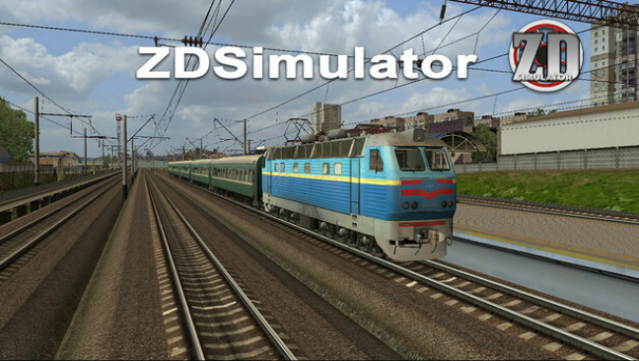
Step into the world of railway operations with a simulator crafted by seasoned train drivers and enthusiasts. This unique platform blends realism and education, allowing players to experience the intricacies of locomotive control on meticulously designed routes. Players can take the helm of both freight and high-speed passenger trains, navigating through over 50 routes that span more than 3,000 kilometers of detailed railway tracks.
The gameplay caters to both novices and veterans, featuring simple and advanced modes that enhance the experience. Realistic physics and intricate control systems provide depth, while the option to set various faults or emergencies adds an extra layer of challenge. With multiplayer capabilities, you can engage with others in a shared environment, making it perfect for those who love the thrill of train simulation. If you're a fan of transport simulators or railroading, this game is definitely worth checking out.
Instructions
- Click the Download button below and you will be redirected to UploadHaven.
- Wait 5 seconds and click on the blue ‘download now’ button. We recommend using a download manager for faster download speeds. (You can use FDM which is free here, or any other download manager).
- Once the game is finished downloading, right click the .zip file and click on “Extract to ZDSimulator v56.2.zip” (To do this you will need 7-Zip, which you can get here, or you can use the built in windows extractor).
- Double click inside the ZDSimulator v56.2 folder and run the setup application. Accept the EULA, and install the game. Then, launch the game through the desktop shortcut.
ZDSimulator Free Download (v56.2)
ZDSimulator (v56.2)
Size: 3.09 GB
Reminder: This download is completely free and won't cost you a penny. However, If you love the game and want to purchase it, you can support the developers by doing so here.
System Requirements
- OS *: Windows XP
- Processor: Intel Core i3 / AMD Ryzen 3
- Memory: 2 GB RAM
- Graphics: Intel HD Graphics 4000 / AMD Radeon R5
- DirectX: Version 10
- Network: Broadband Internet connection
- Storage: 10 GB available space
- Sound Card: DirectX Compatible
- Additional Notes: Requires mouse and keyboard
Screenshots