About THREAT -SCREAM AND ESCAPE-
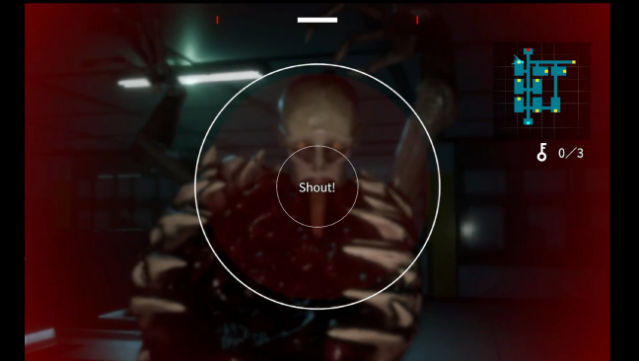
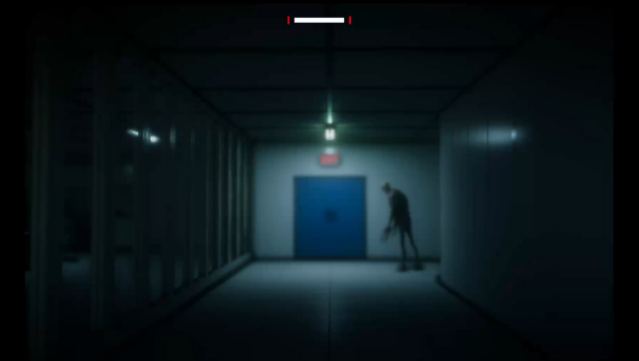
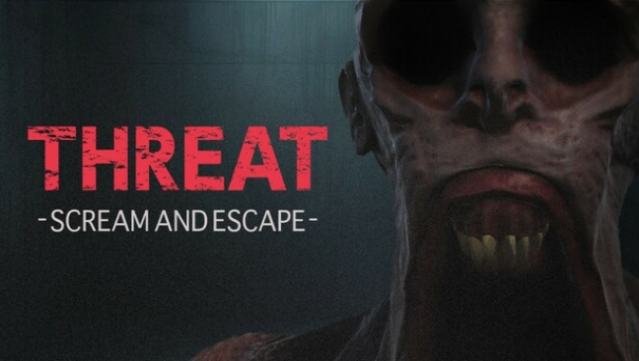
Imagine a horror game where your voice is your only weapon against terrifying creatures that relentlessly pursue you. This unique survival horror experience places you inside a mysterious research facility, where the key to escaping lies in the volume of your screams. As you navigate the eerie atmosphere, you must find the right balance between shouting to stun foes and conserving your vocal strength, as the required scream volume increases over time. With adjustable difficulty settings, you can select from modes that accommodate everything from soft whispers to full-blown screams, catering to different play styles and environments. The game lasts between 30 to 60 minutes, making it a perfect adrenaline rush for a quick gaming session. If you thrive on interactive horror and vocal challenges, this is a must-try for you.
Instructions
- Click the Download button below and you will be redirected to UploadHaven.
- Wait 5 seconds and click on the blue ‘download now’ button. We recommend using a download manager for faster download speeds. (You can use FDM which is free here, or any other download manager).
- Once the game is finished downloading, right click the .zip file and click on “Extract to THREAT -SCREAM AND ESCAPE- v1.0.2.zip” (To do this you will need 7-Zip, which you can get here, or you can use the built in windows extractor).
- Double click inside the THREAT -SCREAM AND ESCAPE- v1.0.2 folder and run the setup application. Accept the EULA, and install the game. Then, launch the game through the desktop shortcut.
THREAT -SCREAM AND ESCAPE- Free Download (v1.0.2)
THREAT -SCREAM AND ESCAPE- (v1.0.2)
Size: 0.94 GB
Reminder: This download is completely free and won't cost you a penny. However, If you love the game and want to purchase it, you can support the developers by doing so here.
System Requirements
- OS: Windows 10 (64-bit)
- Processor: Intel Core i3-6100 or equivalent
- Memory: 4 GB RAM
- Graphics: NVIDIA GeForce GTX 750 Ti or equivalent
- DirectX: Version 11
- Storage: 2 GB available space
- Sound Card: DirectX compatible
Screenshots