About Secret Files 2: Puritas Cordis
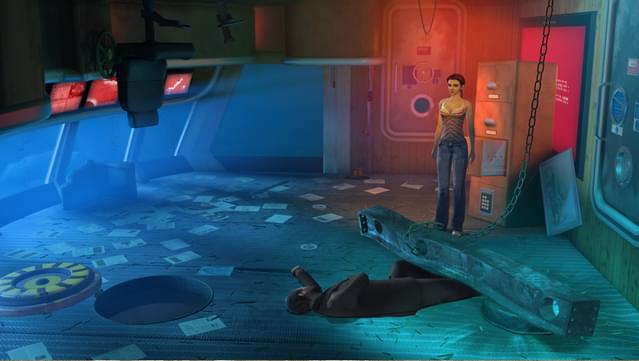
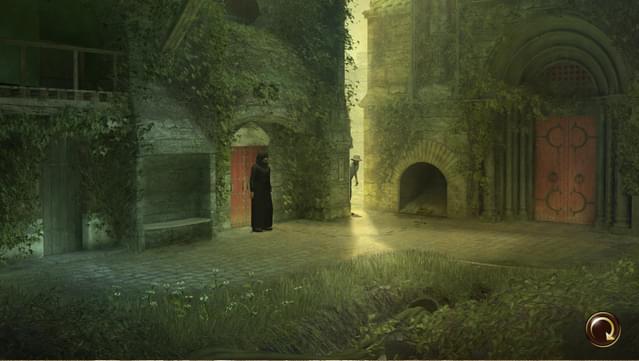
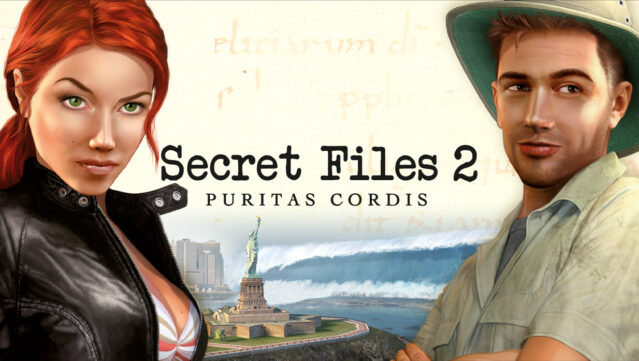
This thrilling adventure game immerses players in a world teetering on the edge of chaos, blending personal drama with global crises. Set against a backdrop of environmental disasters and civil unrest, you follow Nina Kalenkow as she attempts to escape her troubled past and finds herself entangled in a murder mystery at the Hamburg docks. The gameplay revolves around solving engaging and logically crafted puzzles while exploring beautifully detailed pre-rendered environments. Unique features include lifelike facial animations that enhance character interactions and a striking blend of real-time lighting effects that bring the scenes to life. Ideal for fans of narrative-driven adventures, this title offers a captivating experience where every choice can lead to unexpected outcomes.
Instructions
- Click the Download button below and you will be redirected to UploadHaven.
- Wait 5 seconds and click on the blue ‘download now’ button. We recommend using a download manager for faster download speeds. (You can use FDM which is free here, or any other download manager).
- Once the game is finished downloading, right click the .zip file and click on “Extract to Secret Files 2: Puritas Cordis .zip” (To do this you will need 7-Zip, which you can get here, or you can use the built in windows extractor).
- Double click inside the Secret Files 2: Puritas Cordis folder and run the setup application. Accept the EULA, and install the game. Then, launch the game through the desktop shortcut.
Secret Files 2: Puritas Cordis Free Download
Secret Files 2: Puritas Cordis
Size: 1.96 GB
Reminder: This download is completely free and won't cost you a penny. However, If you love the game and want to purchase it, you can support the developers by doing so here.
System Requirements
- Windows 7 / 8 / 10
- Pentium III or 100% compatible processor
- 256 MB RAM
- DirectX® 9 compatible AGP or PCI Express video card (at least 32 MB)
- 9.0c
- 2 GB hard disk space
- DirectX® 9 compatible 16 bit sound card (optional)
Screenshots